Red Access Wins Globee Award for Innovation, Named Gold Winner and Best of Category for Cybersecurity Product of the Year


Share:


Protect work across browsers, AI, messaging, and more

Securing browser activity

Enterprise Browser Alternative
Protection Without Friction
STOP
THE CHASE


Safe Browsing with Red Access

Red Access Data Loss Prevention (DLP)

Red Access Browser Extension Protection

Red Access SaaS Security

Secure Contractor & BYOD Remote Access

Adopt cutting-edge technologies like WebView2 without sacrificing security

Control GenAI Use Without Blocking Innovation

Streamlined, frictionless web security

Stop credential theft and spoofed sites in real time

SSE Security Without Replacement

Govern Vibe-Coded Apps
STOP
THE CHASE

Lorem ipsum dolor sit amet,
consectetur

Lorem ipsum dolor sit amet,
consectetur

Lorem ipsum dolor sit amet,
consectetur

Lorem ipsum dolor sit amet,
consectetur

Lorem ipsum dolor sit amet,
consectetur
Lorem ipsum dolor sit amet,
consectetur
STOP
THE CHASE
Share:
“Agentless DLP” has become one of the most overloaded terms in enterprise security. At least five architecturally different approaches use the label, and they cover very different exfiltration paths. If you’re evaluating agentless DLP because you have contractors, BYOD users, or GenAI adoption you can’t put an endpoint agent on, the type matters more than the label.
This piece breaks down what “agentless” actually means across the market, what each approach covers, and where each falls short. Agentless describes deployment. It doesn’t describe coverage.
Traditional Data Loss Prevention has always leaned on endpoint agents: software installed on managed devices that watches files, clipboard actions, USB transfers, and printing. That model works when you own the device and the agent is present and functioning. Traditional endpoint DLP can address browser and GenAI activity on managed devices as well. The coverage gap appears when the endpoint isn’t managed, the agent isn’t present, or the interaction happens outside the channels the agent controls.
Three shifts made those gaps consequential.
External workforce. EY, citing Staffing Industry Analysts’ 2024 survey, reports that 35% to 50% of an enterprise’s workforce is external. You often can’t require endpoint software on a contractor’s personal or third-party-managed laptop, and often you don’t want to.
GenAI adoption. Microsoft’s 2024 Work Trend Index found 75% of global knowledge workers use generative AI at work. Netskope’s 2025 data shows 72% of enterprise GenAI use is shadow IT.
Sensitive data going into GenAI. Menlo Security’s 2025 report found that 68% of employees use free-tier AI tools like ChatGPT via personal accounts, and that 57% input sensitive data. Harmonic Security’s Q3 2025 telemetry found 26.38% of files uploaded to GenAI tools contained sensitive information.
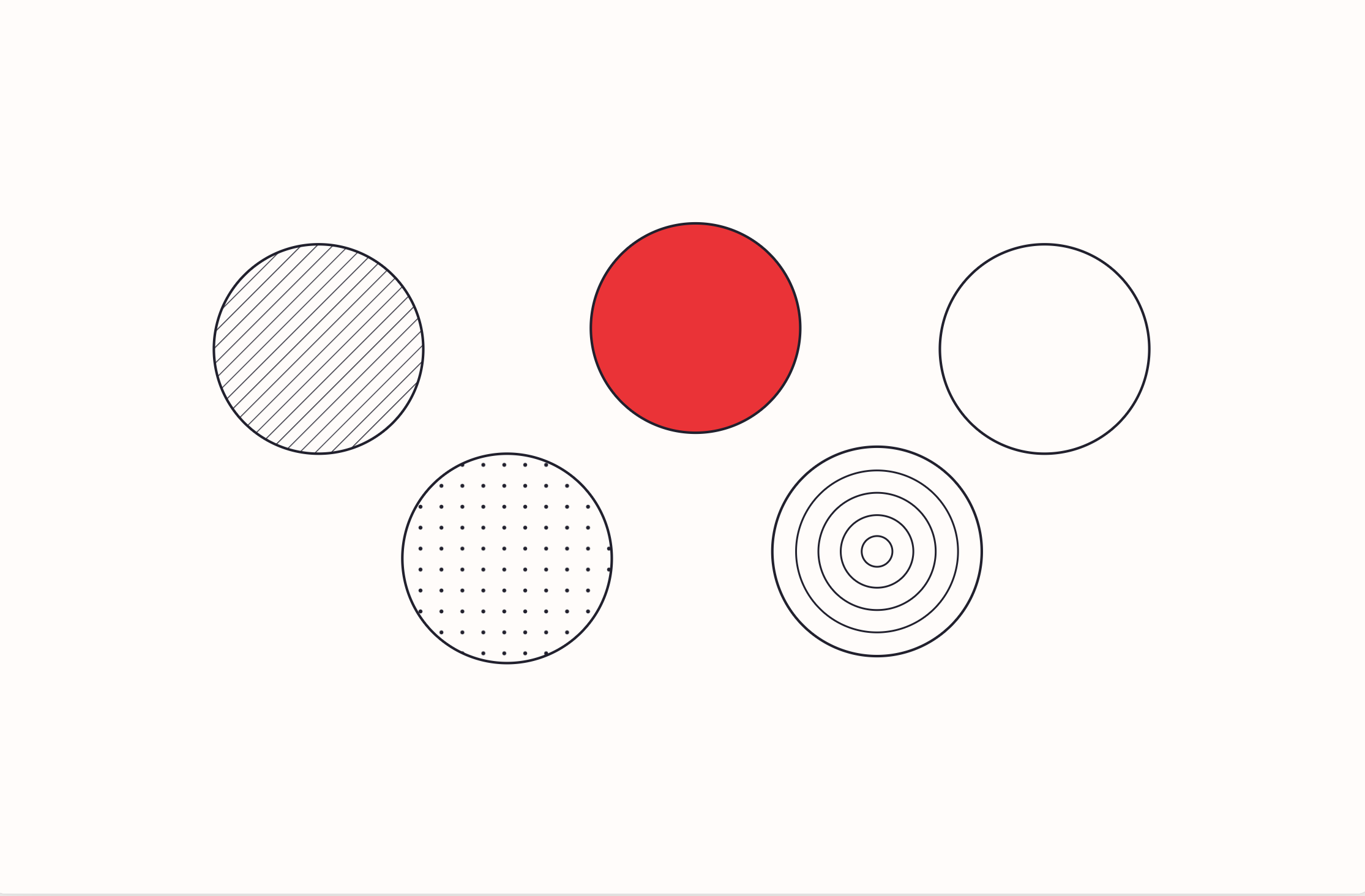
The market responded with “agentless” solutions, and the label got attached to at least five fundamentally different architectures.
How it works. Connects to SaaS platforms via API and scans data at rest inside those platforms: Google Drive, Microsoft 365, Salesforce, and so on.
Vendors positioning here. Varonis, Metomic, Palo Alto Networks cloud DLP.
What it covers. Data already sitting in sanctioned SaaS apps. Discovery, classification, and remediation of exposed files within those platforms.
What it doesn’t cover. Anything happening inside a browser session. It won’t see a user pasting source code into ChatGPT, uploading a file to a personal Google Drive from a corporate device, or moving data between apps. Coverage is bounded by which platforms expose the right APIs, and by whether the app is sanctioned in the first place.
Where it fits. As a complement to other controls, for organizations that need visibility into and remediation of data already sitting inside their sanctioned SaaS footprint. Not architected to solve BYOD or unmanaged-device use cases. Those are different problems.
How it works. A browser extension installed into each user’s Chrome, Edge, or Firefox, sometimes framed as “agentless” because it isn’t a traditional OS-level agent.
Vendors positioning here. LayerX describes itself as agentless while also stating on its own site that it “operates as a lightweight browser-agnostic extension.” Zscaler offers a browser extension form factor alongside its cloud browser and enterprise browser options.
What it covers. In-browser activity on the specific browser where the extension is installed: copy/paste, uploads, form input, and similar controls.
What it doesn’t cover. The extension itself doesn’t cover activity in a browser where it isn’t installed, or in desktop apps that aren’t the browser: Slack desktop, Outlook desktop, ChatGPT Desktop, WhatsApp. Devices where the extension can’t be pushed also fall outside its scope, which is often exactly the BYOD and contractor case buyers reach for “agentless” to solve. Some extension vendors pair the extension with other controls (proxy, SSE, network); those layers are separate from what the extension itself governs.
Where it fits. For managed workforces where extension deployment is realistic and the browser is the primary work surface. “No endpoint agent” doesn’t mean “nothing installed.” There is software on the device. It’s a browser extension rather than a system-level agent. That’s a real architectural distinction, but it isn’t the same as zero footprint.
How it works. A dedicated, controlled browser (typically Chromium-based) that users install and use in place of Chrome, Edge, or Safari. The browser itself is the enforcement point.
Vendors positioning here. Island Enterprise Browser, Netskope Enterprise Browser, Palo Alto Prisma Access Browser, and others.
What it covers. Deep, granular controls inside the managed browser: downloads, uploads, copy/paste, screenshots, printing, extensions, and session behavior. Strong audit logging. Identity integration. Can be delivered to BYOD devices without a traditional endpoint agent, since the browser itself is the controlled surface.
What it doesn’t cover. The enterprise-browser control point has no visibility outside that browser. If a user opens Chrome instead of the enterprise browser, opens a link in Slack desktop, uses ChatGPT Desktop, or works in Outlook’s Copilot pane, the enterprise browser has no visibility into that activity. Adoption also depends on behavior change. Asking a workforce to switch browsers is a change-management project, not just a technical deployment.
Where it fits. Defined user groups with controlled, browser-centric workflows where enforcing a single managed browser is realistic: contractors, call center agents, offshore teams with narrow workflows. Less realistic across a broader workforce using multiple browsers and embedded desktop app sessions.
How it works. Web content executes in an isolated cloud environment, and the safe result is rendered back into the user’s local browser. Rendering architecture varies by vendor. Cloudflare uses Network Vector Rendering (drawing instructions rather than pixel streaming). Menlo uses a clientless safe-HTML rendering approach. In both cases, the actual browser session lives in the cloud, not on the device.
Vendors positioning here. Cloudflare Browser Isolation (including a clientless mode), Menlo Security, Zscaler cloud browser.
What it covers. Strong isolation from web-based threats and content. When operated in clientless mode (Cloudflare) or as a fully cloud-rendered session (Menlo), no software needs to be installed on the device. Well-suited to contractor and BYOD access to sanctioned web apps.
What it doesn’t cover. Anything outside the remote browser session: local desktop apps, other browsers on the device, embedded browser sessions in Slack or Outlook. There’s also a remote execution layer whose compatibility, latency, and workflow characteristics vary by implementation.
Where it fits. Contractor and third-party access to specific web apps, high-risk browsing scenarios, and use cases where full isolation from the endpoint is the requirement. Organizations should evaluate compatibility, latency, and workflow fit before using RBI as the primary work surface for a full workforce.
How it works. A lightweight security engine is delivered into the browser session at runtime: into the user’s own native browser (Chrome, Edge, Firefox, Safari, Brave, Arc), or into browser sessions embedded in desktop apps like Outlook, Slack, and ChatGPT Desktop. No application is installed on the device. On managed devices, a one-time OS-level configuration is pushed via MDM, Intune, or GPO. On unmanaged devices, a Share-Link launches a governed session with no agent and no VPN.
Vendors positioning here. Red Access.
What it covers. In-session controls across supported native browsers and inside browser sessions embedded in desktop apps: clipboard, keystrokes, file transfers, uploads/downloads, browser-layer screenshot controls, and GenAI prompts. Extends to unmanaged BYOD and contractor devices without installing an application on the device.
What it doesn’t cover. OS-level actions outside the browser session: USB transfers, local file operations, printing to local printers. These remain endpoint-DLP territory. Session-layer security isn’t a replacement for endpoint DLP where OS-level controls are the requirement.
Where it fits. Broader workforces using multiple browsers, embedded desktop app sessions, BYOD, and contractor access where enforcing a single managed browser isn’t realistic. It fits where the enforcement need is the browser session itself, in whatever browser or app it happens to run.
When a vendor says “agentless,” the honest question is: agentless in what sense? No endpoint agent, or no software on the device at all? Those aren’t the same thing.
Gartner’s April 2025 Innovation Insight: Secure Enterprise Browsers describes the browser as “an endpoint-agnostic enterprise security control point.” For buyers, that still leaves an important deployment question: does the control require software on every endpoint, or can it operate with no application installed? A browser extension is less than an endpoint agent, but it’s still per-device software with all the deployment, update, and coverage challenges that implies. An enterprise browser is a full application install. RBI in clientless mode and session-layer security for unmanaged devices are the two categories that can support genuinely zero-application-on-device deployment.
A working framework: start with the exfiltration path you need to govern, then ask what must be installed to govern it.
| Coverage need | Architecture that fits |
| Data at rest in sanctioned SaaS | API-based DLP |
| Managed workforce using a standard browser | Browser extension |
| Controlled, browser-centric workflow | Enterprise browser |
| Contractor or high-risk web access requiring isolation | Remote Browser Isolation |
| Cross-browser, embedded sessions, BYOD, GenAI | Session-layer security |
| USB, printing, local OS-level controls | Traditional endpoint DLP |
No single architecture covers every path. Zscaler’s own DLP documentation puts it directly: browser DLP is “complementary, not a replacement” for other layers. The same is true across the category.
BYOD and GenAI are where these distinctions become especially important. API-based DLP can govern data inside supported cloud applications, while extension and enterprise-browser approaches depend on their browser component being present or being the user’s active surface. If your requirement is to govern sessions on devices where you cannot install or mandate software, or to govern browser sessions embedded inside desktop apps, ask specifically what happens when nothing is installed and when the user works outside the vendor’s specific browser or extension.
Red Access is a session-layer security platform. A lightweight security engine (17–60KB) is delivered directly into the browser session’s memory before the page renders, and governs page interactions, keystrokes, clipboard actions, file transfers, and GenAI prompts. It operates inside supported native browsers (Chrome, Edge, Firefox, Safari, Brave, Arc) and inside browser sessions embedded in desktop apps like Outlook, Slack, WhatsApp, ChatGPT Desktop, and Claude Desktop.
For managed devices, deployment is a one-time OS-level configuration pushed through existing MDM, Intune, or GPO. No application is installed on the device.
For unmanaged devices (contractors, BYOD, personal devices), Red Access uses a Share-Link to launch a governed session with no agent, no VPN, and no visibility into anything personal.
If you’re evaluating agentless DLP because your DLP problem lives in browsers, GenAI tools, and embedded browser sessions inside desktop apps, including on devices you don’t own, that’s the category we sit in, and the type of “agentless” we mean.
Insights & Ideas
|
Key takeaways Every few weeks, a new surface appears. Claude shows up inside Slack. ChatGPT adds a…
|
Enforce corporate AI policy on unmanaged BYOD laptops without device enrollment, endpoint agents, or trust-based policy. Here’s…
|
Session hijacking is evolving. Attackers now operate the session where it renders – same device, same IP,…